My First App
TL;DR
I built a workout timer app for iOS/macOS/visionOS, now available in the App Store
Why I Built This
Each winter, my employer gives us a generous break. Last year I took the time off to create a couple of webpages (Zone 2 Randomizer, which has gone through quite a few iterations and Expandable Timer). For the last calendar year, I’ve been using the Expandable Timer page as my go-to fitness tool.
Overall, I’ve been pretty happy with it, but I kept encountering oddities with the audio alerts that are supposed to play when a timer expires. So for this winter break, I decided to make a dedicated Apple OS app to solve these issues once and for all.
What It Does
The app lets you create custom workout routines with:
- Time-based or rep-based exercises - Mix and match based on your needs
- Custom rest periods - Set different rest times after each exercise
- Audio alerts - Get notified when it’s time to move on (most of the time - see known issues below)
- Screen wake - Keep your device active during workouts
- Import/Export - Save and share routines as JSON files
- Full control - Pause, resume, or cancel anytime
Perfect for HIIT, circuit training, strength routines, or even non-workout uses (I’ve started using it as a slow-eating timer, too).
The Development Journey
I started by creating an Xcode project and simply adding the HTML file from my expandable timer page. It “worked”—but was a terrible user experience.
So I switched to using Bitrig and had it generate the Swift code for the overall concept. With that, I made a new Xcode project and added the Swift file to it.
Xcode’s embedded ChatGPT assistance (added earlier in 2025) was invaluable for fixing various build issues. It also helped me create versions not just for iPhone/iPad, but also for visionOS and macOS devices—making all the needed OS-specific changes automatically.
Granted, it wasn’t really that simple. I spent multiple hours each day for about a week getting it to behave as desired—but the AI assistance absolutely streamlined the process SIGNIFICANTLY.
If you use the app and notice any oddities or undesired behaviors, please let me know! And if there’s any extra functions you’d like to see added, let me know that too!
Sample Routines to Get Started
If you want a starter set, here are routines I’ve made based on Jeff Cavaliere’s YouTube Perfect PPL series:
I’m a big fan of Jeff—and I’ve given him a fair amount of my money over the last few years. His Athlean-X programs are legit. But I thought I’d go cheap-o mode for a bit and try some of his free routines. I’m about a week into the Perfect PPL series and have been really impressed with it!
Another YouTube video of his—10 Minute Abs—is another fantastic workout. Download my routine for it.
Other routines:
- Slow-eating timer - Eat slowly for 10 minutes, don’t eat at all for 5 minutes, return to eating slowly for another 10 minutes. At the end you should feel “satisfied”—but not “full”, which indicates you’ve overeaten.
Tracking Your Progress
If you’re looking for a solution for tracking your exercise journey, I’ve been using Obsidian for the last 3+ months and find it incredibly robust and flexible.
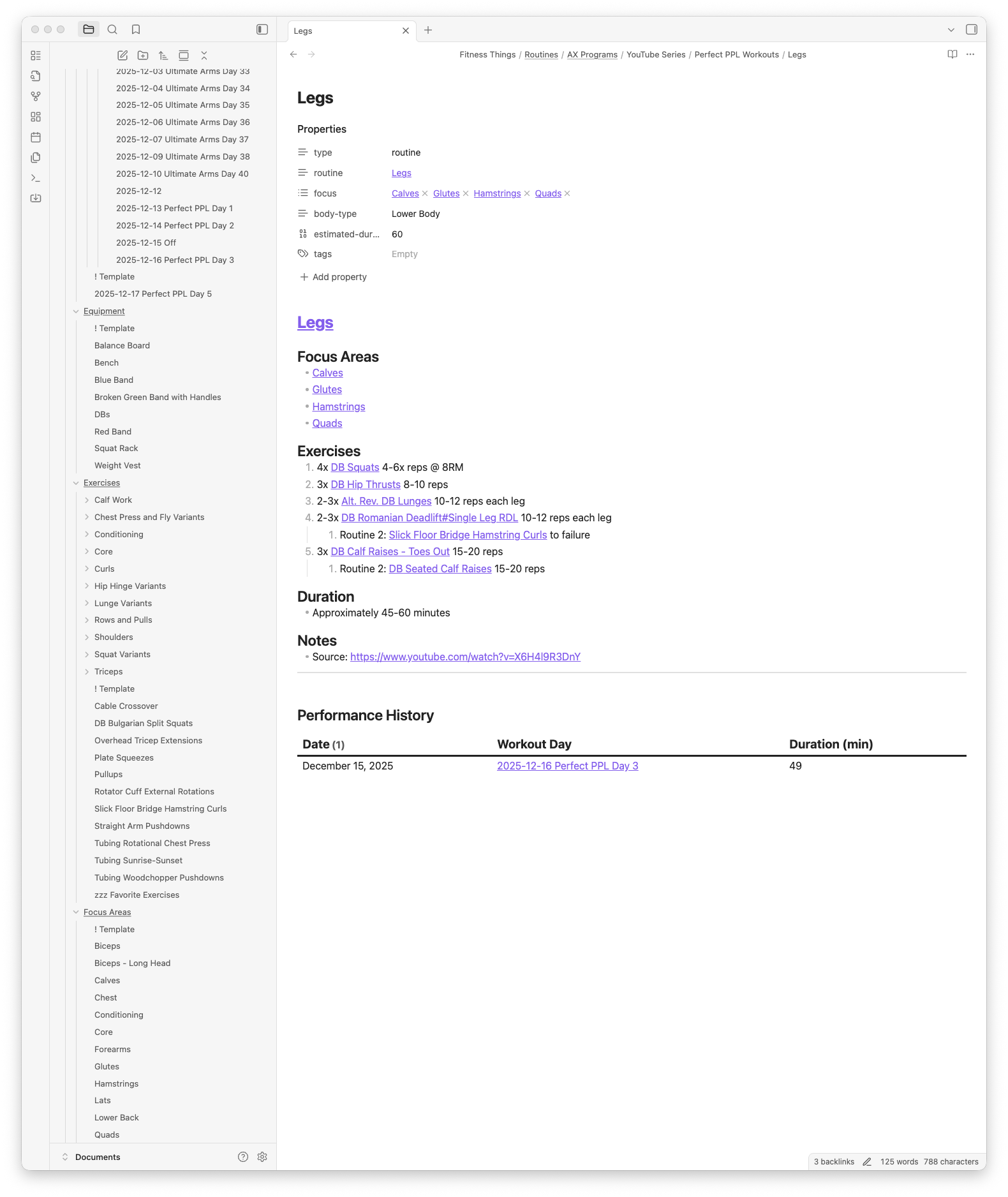
Here are some placeholder markdown templates you can add to Obsidian to help you get started: